What workshop owners need to know
A digital garage job card is the shared record for a vehicle repair. It should capture the customer, vehicle, complaint, inspection notes, approved work, assigned technician, labour, parts, promised time, status, payment context and final outcome. Its value is not simply replacing paper. It gives every person working on the vehicle the same current information.
The job card is the centre of the repair
A job card begins as an agreement about why the vehicle entered the workshop. It then becomes the working record for diagnosis, labour, parts and progress. At delivery, it explains what was completed and supports the invoice and future service history.
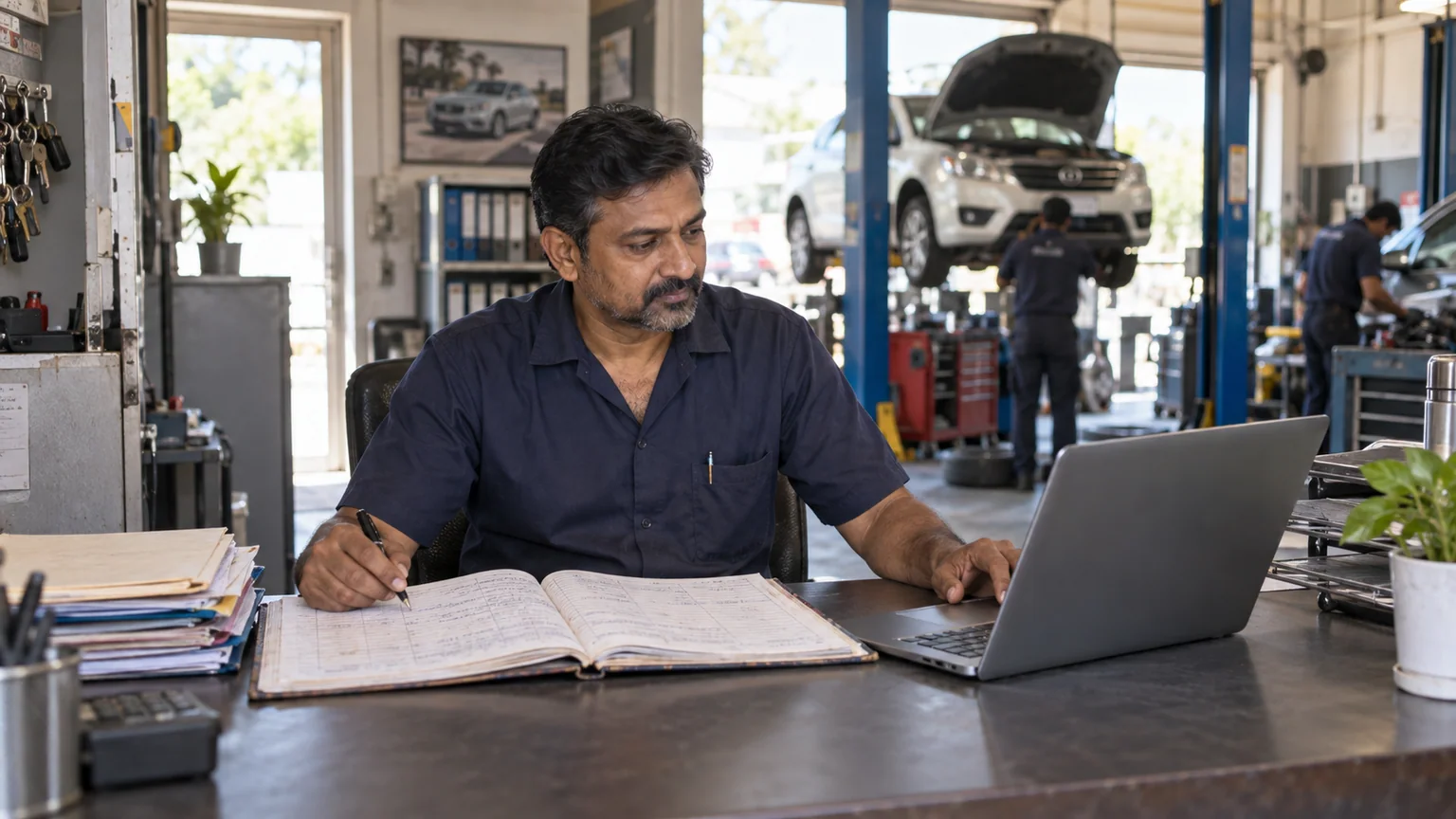
Paper can capture some of this, but the card often leaves reception with the vehicle. The advisor then depends on calls and memory to answer the customer. A digital job card stays available to the people who have permission to see it, even while the technician is updating the work.
What every useful job card should capture
Capture enough detail to protect the customer and guide the technician, but do not turn vehicle intake into a long form nobody wants to complete. These groups create a practical foundation.
- Customer identity
Name, phone number and the preferred way to receive updates.
- Vehicle identity
Registration number, make, model and any details needed to find the correct history.
- Customer complaint
Use the customer wording first. Diagnosis can be added after inspection.
- Vehicle condition
Record visible concerns, fuel level or important items handed over when your process requires them.
- Planned work
List labour, services and approved parts clearly enough for another technician to understand.
- Responsibility and timing
Name the assigned technician, current status and promised delivery time.
- Money context
Keep the estimate, advance, final amount and balance connected to the same job.
- Completion notes
Record what was actually done, recommendations and anything the customer declined.
Follow the job through clear stages
A status is useful only when the team agrees what it means. Too many stages create admin work. Too few stages leave reception unable to answer the customer. Start with a short flow that matches your actual handoffs.
- Open
The vehicle is accepted and the complaint is recorded.
- Assigned
A technician knows the vehicle is their responsibility.
- In progress
Inspection or approved work is actively happening.
- Waiting
Work is paused for customer approval, a part or another clear reason.
- Ready
The agreed work is complete and the vehicle can be prepared for delivery.
- Delivered
The vehicle has left and the final payment position is recorded.
Better records make customer conversations easier
Customers usually become frustrated when the explanation changes. The intake note says one thing, the technician finds another issue, and the invoice arrives without a clear connection between them. A complete job card gives the advisor a consistent story.
When a customer asks why a part was replaced, the team can return to the complaint, work and parts attached to that vehicle. When the customer returns months later, the earlier record helps the next advisor understand what was completed and what was recommended.
Make the job card easy for technicians to use
A technically complete system still fails if updates are awkward on the workshop floor. Put the most common actions first. Technicians should be able to open their assigned work, understand the complaint, add relevant parts and change status without walking back to the office.
Permissions also matter. A technician can need the full repair context without needing revenue reports or the ability to change every price. A clear role keeps the screen focused and protects business information.
- Use familiar terms
Name statuses, services and complaint types the way the team already speaks.
- Keep required fields limited
Ask for information that changes the work or protects the record.
- Test on the workshop phone
A desktop demo does not prove that the main actions are comfortable beside a vehicle.
- Review missing updates
Fix the process first instead of blaming the person using it.
How GarageDesk connects the job card
In GarageDesk CRM, a job card connects the customer and vehicle with complaints, services, parts, technician assignment, workshop status and payment information. Parts selected from branch stock remain linked to the job, and the completed work becomes part of the vehicle history.
Owners and advisors can see the live job board, while role based access keeps revenue and reports away from technician accounts. The final invoice can be downloaded, emailed or shared with the customer on WhatsApp.
Explore digital job cards in GarageDeskClear answers
Common questions
What is a garage job card?
A garage job card is the working record for a vehicle repair. It identifies the customer and vehicle, records the complaint and approved work, assigns responsibility and follows the job through parts, labour, status, invoice and delivery.
What is the difference between a job card and an invoice?
The job card guides and records the repair process. The invoice is the final financial document that lists the amount charged for completed labour, services, parts and applicable tax.
Can a technician update a digital job card from a phone?
Yes, if the workshop software has a mobile friendly job screen. GarageDesk runs in a modern mobile browser and lets permitted technician accounts work with job cards from the workshop floor.
Does a digital job card help with service history?
Yes. When completed jobs stay attached to the customer and vehicle, a returning advisor can see earlier complaints, work, parts and payment context without searching paper files.