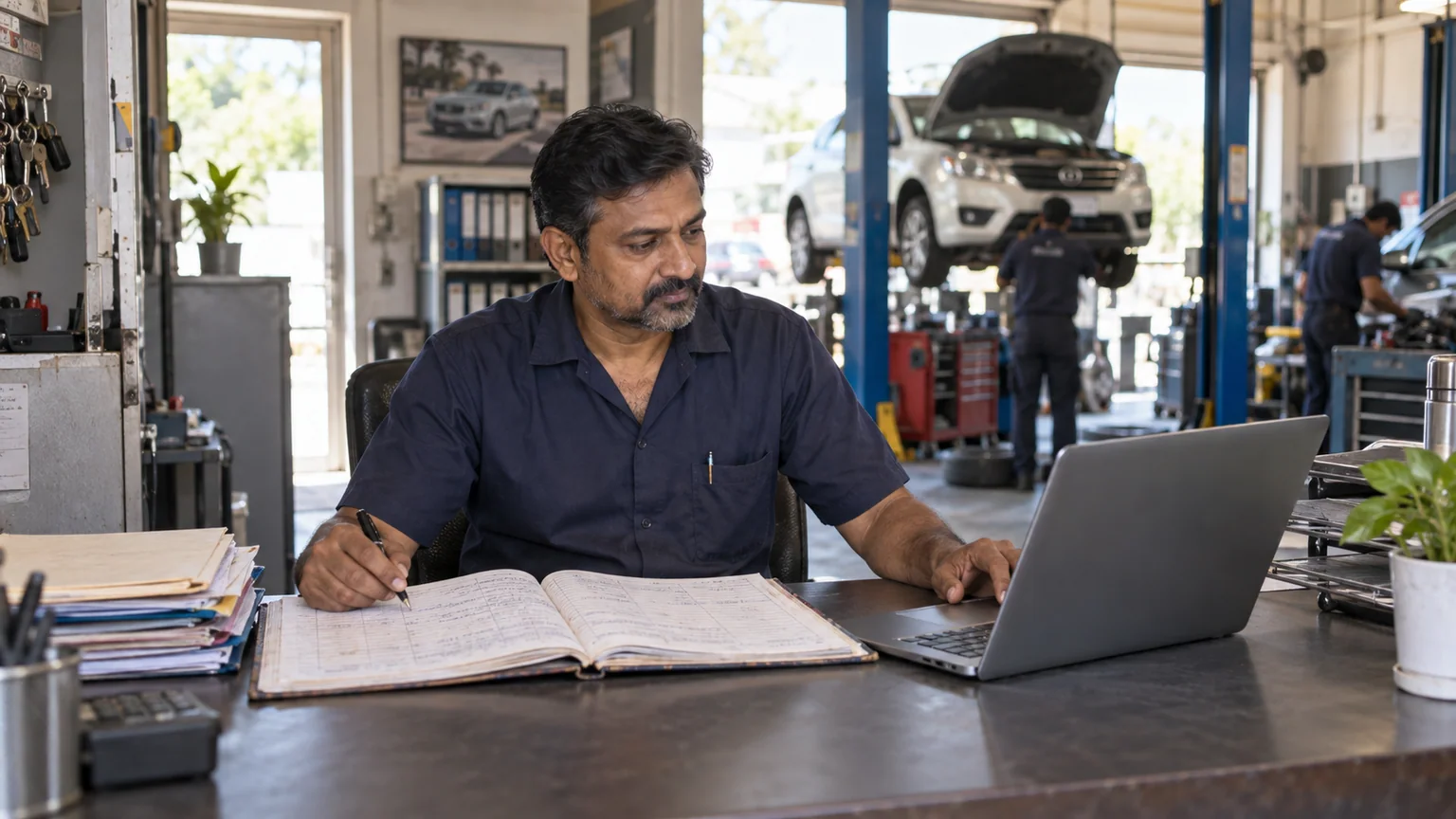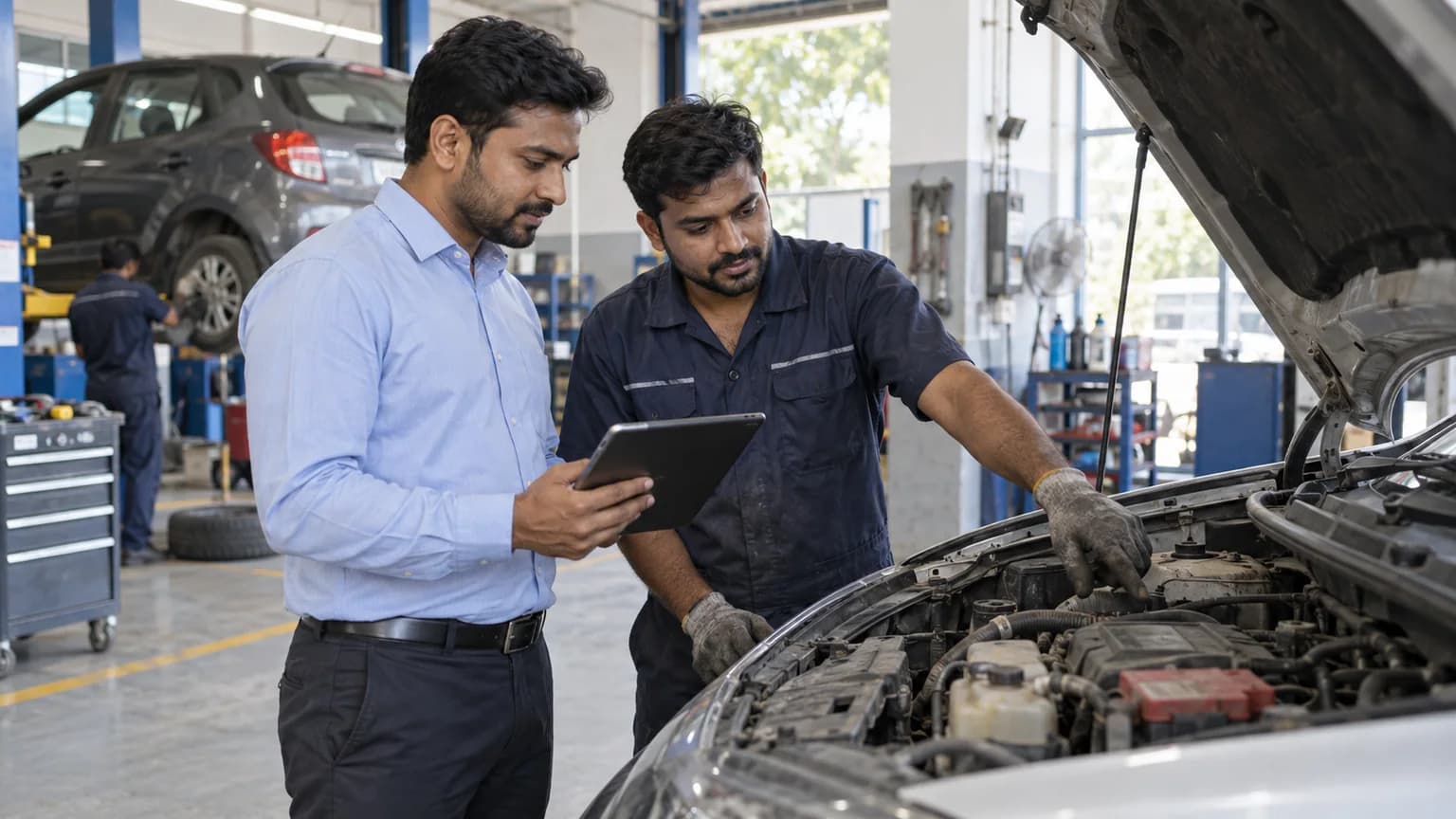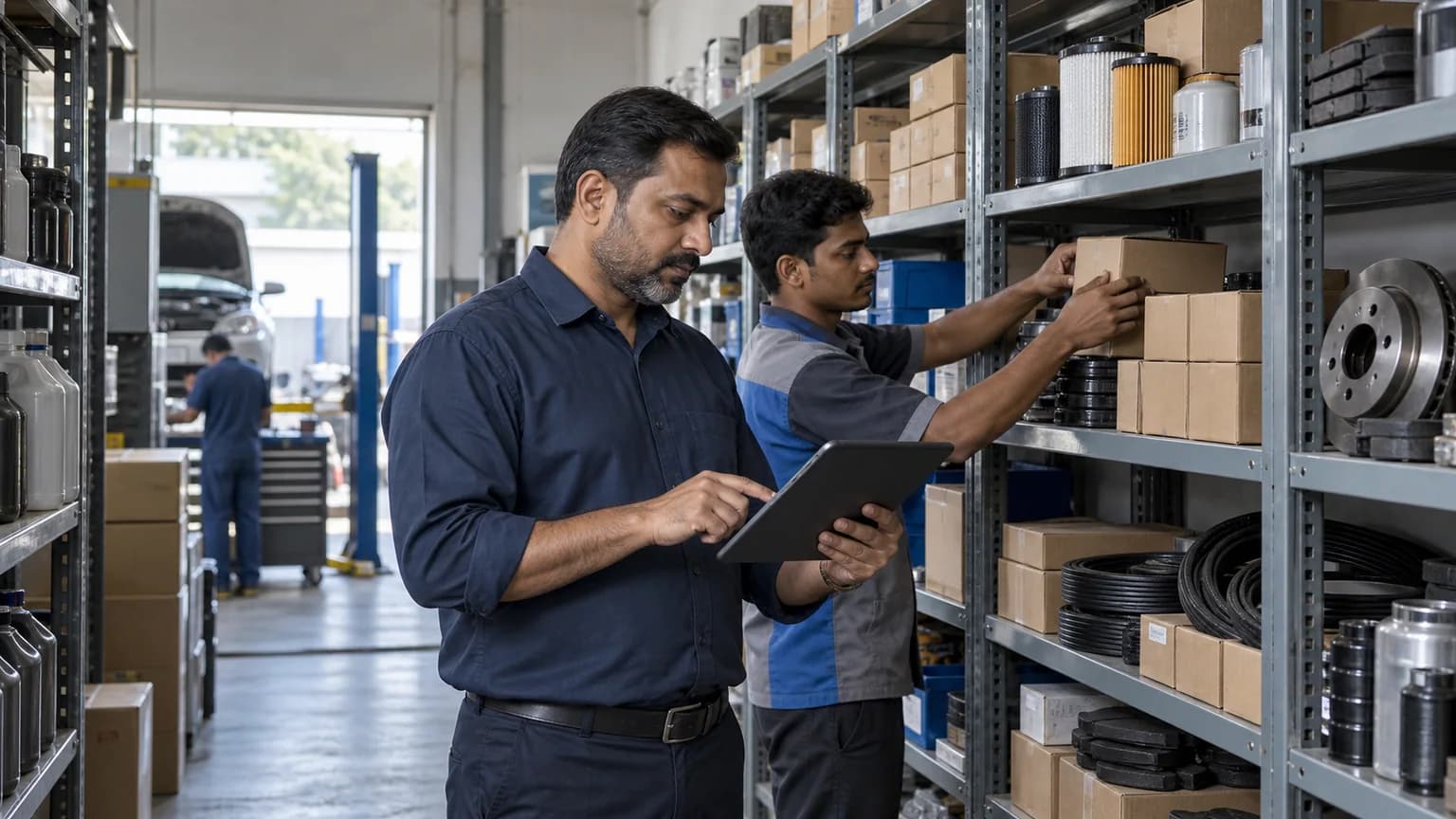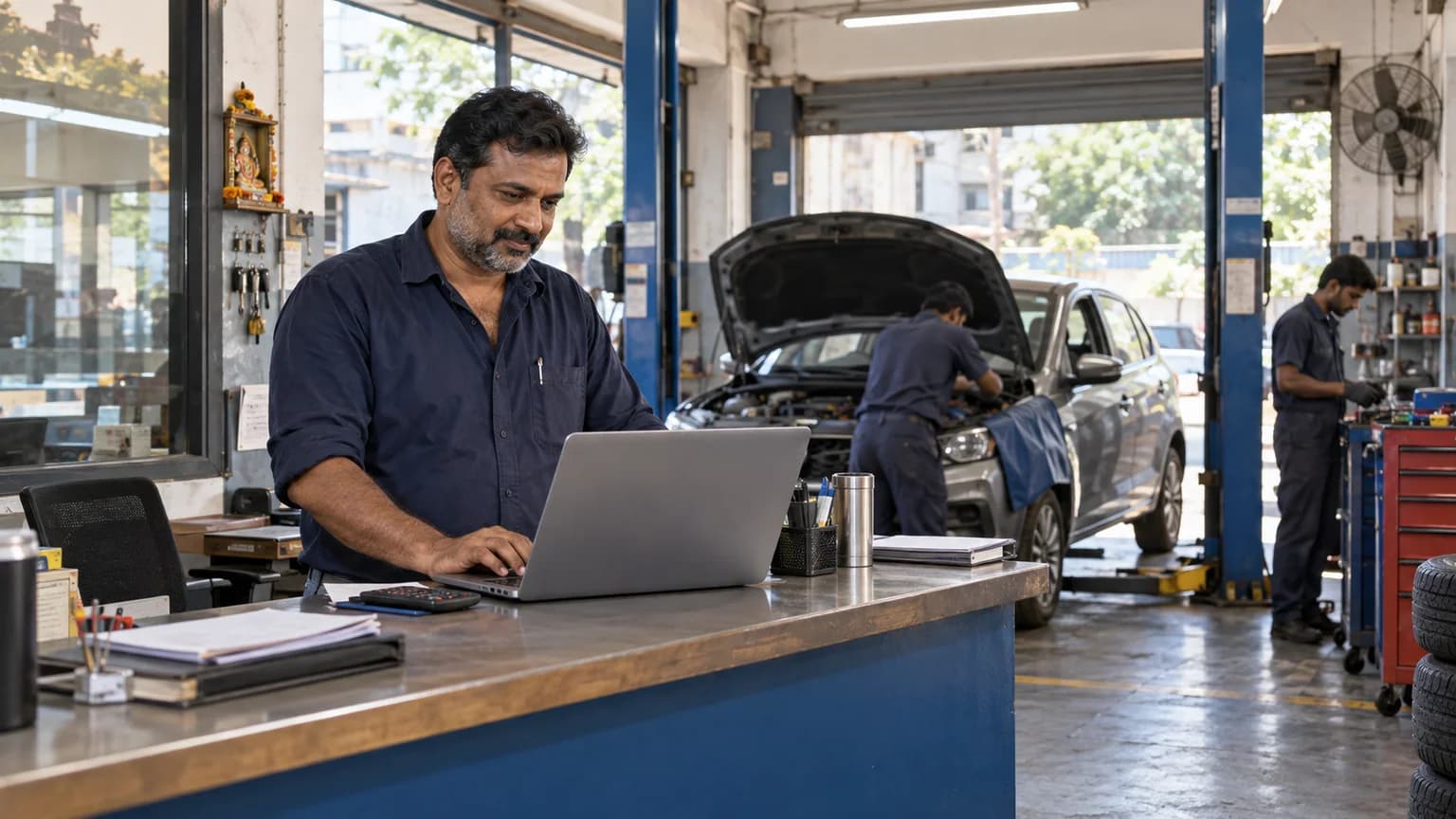
What workshop owners need to know
The best garage management software for an Indian workshop connects the complete repair journey in one place. It should handle customer and vehicle intake, digital job cards, parts usage, invoices, payments, service history, staff access and branch visibility. The safest way to choose is to run several real jobs during a trial and see whether the team can use it without constant help.
Start with your daily workflow, not a feature count
Most software comparisons begin with a long feature list. A workshop owner gets a clearer answer by beginning with one ordinary vehicle. Ask what happens from the moment it arrives until the customer pays and drives away.
A useful system keeps that journey connected. The customer record should lead to the vehicle, the vehicle to a job card, the job card to complaints, labour and parts, and the completed work to an invoice and payment record. If your team has to copy the same details into different screens, the software is only moving paperwork onto a computer.
Write down your current process before watching a demo. Include the small realities that matter in your garage, such as who opens the job card, who can change prices, when stock is reduced, who records an advance, and how the owner checks pending payments at closing time.
Seven capabilities that make a real difference
The exact screen design can vary, but these capabilities solve the operational gaps that usually push a garage away from registers, spreadsheets and message threads.
- Fast vehicle intake
Returning customers and vehicles should be easy to find. The service advisor should capture the complaint, promised time and initial estimate without holding up the reception desk.
- One digital job card
The job card should remain the shared record for the advisor, technician, parts desk and owner. Status, assigned work, parts and notes need to stay attached to it.
- Connected parts stock
A part used on a job should appear in the job cost and reduce the correct branch stock. Low stock visibility is more useful than discovering an empty shelf while a vehicle is waiting.
- Clear invoices and payments
The final bill should use the same labour and parts already recorded on the job. Advances, completed payments and outstanding balances should remain visible after delivery.
- Customer and vehicle history
When a familiar vehicle returns, your team should see earlier complaints, work completed, parts used and payment history without searching old files.
- Role based access
Technicians need enough information to complete a job, but they do not always need access to revenue, billing or business reports. Permissions should follow actual responsibilities.
- Branch level visibility
A growing garage needs a clean view of jobs, stock and collections for each location as well as a combined owner view.
Questions to ask during every software demo
A good demo should prove how the product behaves, not only describe what it can do. Ask the person presenting it to complete the tasks below while you watch.
| Question | What useful proof looks like |
|---|---|
| Can my team use it on a phone? | The real job screen opens clearly in a mobile browser and the main actions are easy to tap. |
| What happens when a part is added? | The job cost and the correct branch stock both change in a clear, traceable way. |
| Can technicians see my revenue? | The presenter shows a technician account and explains exactly what that role can access. |
| How do I find an old repair? | A customer or registration search opens the vehicle and its earlier service records. |
| Can I export my records? | The product provides an owner controlled export in a format you can keep and inspect. |
| Can I add a branch later? | The presenter shows how branches are separated and how an owner switches between them. |
Match the system to the size of your workshop
A small garage does not need a complicated enterprise system. It usually needs faster intake, a reliable job record, clear billing and a simple view of money due. Ease of use matters more than a catalogue of modules nobody will open.
A busy single location needs better coordination. Multiple advisors and technicians must be able to work from the same job record without overwriting each other or relying on verbal updates.
A multi branch business needs another level of control. Branch identity, staff access, stock and reports must remain separate when required, while the owner still sees the whole operation from one login.
Run a real job trial before you decide
Do not judge workshop software using sample data alone. Create a small trial team and use five ordinary jobs that represent the work you perform most often. Include one returning customer, one job with an advance, one job that needs an outside part and one job with a balance due.
Watch where the team hesitates. A little learning is normal, but repeated confusion around intake, status or billing will become expensive on a busy day. Also check whether the owner can answer basic questions without asking staff for a separate update.
- Create the workshop profile
Add the real branch identity, services, staff roles and a few common parts.
- Open five genuine jobs
Use normal complaints and real workshop language so the test reflects daily work.
- Move each job to completion
Assign work, add parts, record payment and create the final invoice.
- Review the records the next morning
Check whether another team member can understand every job without a phone call.
Where GarageDesk CRM fits
GarageDesk CRM is built for independent Indian garages and growing workshop groups that want the full service journey in one focused system. It connects digital job cards, customer and vehicle history, parts inventory, invoices, payment tracking, staff roles, audit records and multiple branches.
It runs in a modern browser, so the front desk, workshop floor and owner can use the same records from a phone, tablet or computer. The goal is practical control, not extra administration. You can test the workflow during a 7 day free trial before choosing a paid plan.
Compare GarageDesk plansClear answers
Common questions
What is garage management software?
Garage management software is a system that keeps workshop operations in one connected record. It normally covers customers, vehicles, job cards, labour, spare parts, invoices, payments, service history and team access.
Which garage should move away from paper or spreadsheets?
A garage is usually ready when information is being copied between a register, Excel and WhatsApp, when more than one person updates jobs, or when the owner cannot see job status and pending money without asking the team.
Should garage software work on a phone?
Yes. Phone access matters because job updates happen at reception and on the workshop floor. Test the real job card screen on the phones your team already uses before buying.
How long should a garage software trial be?
The number of real jobs matters more than the number of days. A useful trial should let your team complete enough jobs to test intake, parts, status, billing, payment and history from start to finish.